IPTV Explained: What It Is and Why People Are Switching
IPTV, short for Internet Protocol Television, delivers TV channels and on-demand video over your internet connection rather than through a satellite dish or a cable line. If you've ever streamed a match on a sports app or watched something on a phone, you've already used the same underlying technology, just applied here to a full channel lineup instead of a single app.
How the Signal Actually Reaches You
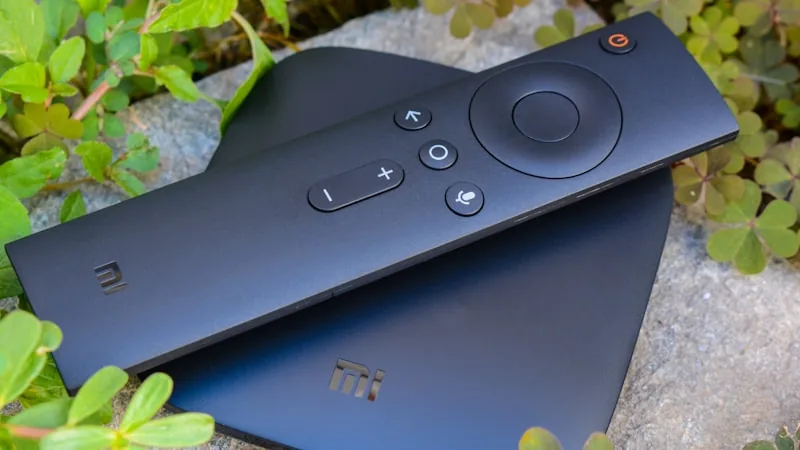
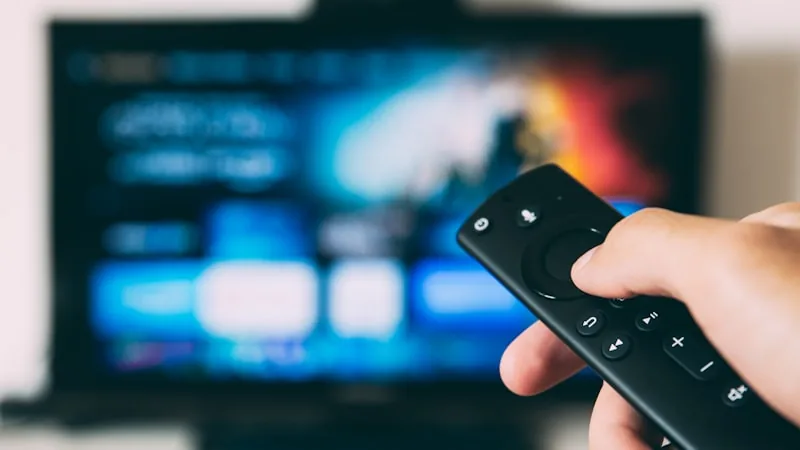
Traditional broadcast TV pushes a signal to every receiver in range, whether anyone's watching or not. IPTV works differently: video is packaged into data and sent specifically to your device when you request it, the same way a webpage loads. Your device, whether that's a phone, a Smart TV, or a small streaming box, runs an app that unpacks that data and turns it back into a picture on screen.
What's Bundled Into a Typical Subscription
A subscription like TVSphere's brings together live channels from around the world, a large film and series catalogue, and an onscreen guide showing what's airing now and later, similar to a standard cable guide. Instead of juggling a cable bill, a sports add-on, and a separate streaming subscription, it's all reachable from one app.
Why This Beats Cable for a Lot of People
Cable ties you to a technician visit, a box you have to return if you cancel, and usually a long contract. IPTV skips all of that. You install an app on hardware you likely already own, log in, and you're watching within minutes. It also tends to undercut cable significantly on price while offering a noticeably broader channel selection, since it isn't restricted by the same regional broadcast infrastructure.
What You'll Need on Your End
Nothing exotic. A phone, tablet, laptop, Smart TV, or an inexpensive streaming stick will all run an IPTV player app comfortably. The only real requirement is a reasonably steady internet connection, faster for 4K, more modest for standard definition.
Getting Started Without Overthinking It
Pick a plan, complete payment, and you'll receive login details almost immediately. From there it's a case of installing whichever player app is recommended for your device, entering your credentials, and letting the channel list and library load. Most providers, TVSphere included, offer a free trial first, so you can judge the experience before spending anything.
Curious what's included? Take a look at our subscription plans, or browse the FAQ for more specific answers.