Getting IPTV Running Directly on a Smart TV
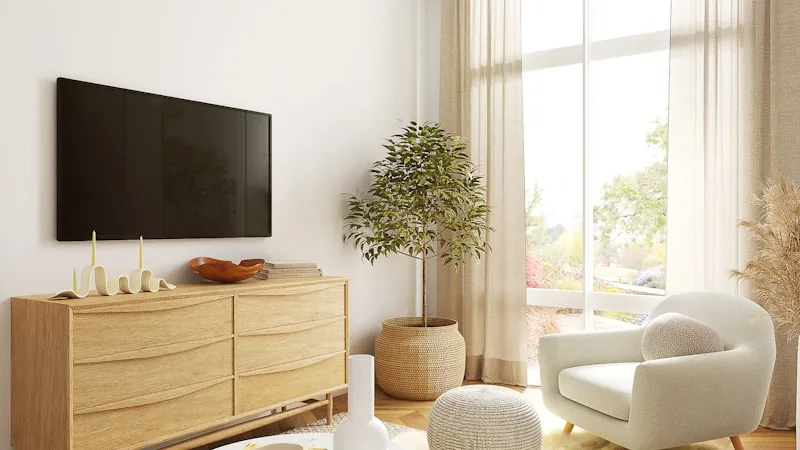
A lot of modern Smart TVs can run an IPTV player without any additional box plugged in, the trick is knowing where to find a suitable app, since IPTV apps aren't always front and centre in a TV's own store.
Samsung and LG
Samsung's Tizen and LG's webOS both run their own app stores, and while a dedicated IPTV app isn't always listed prominently, general-purpose media players that accept IPTV playlists usually are. Support can point you to whichever app and format currently works best for your specific TV's software version, since store listings shift periodically.
Android-Based Smart TVs
TVs running Android TV or Google TV as their operating system, common on Sony, TCL and Hisense sets among others, offer the most flexibility, since they draw on the same Google Play Store used by Android phones. Most of the apps recommended for phones and boxes will install directly here too, no sideloading required.
If Your TV Can't Install Apps at All
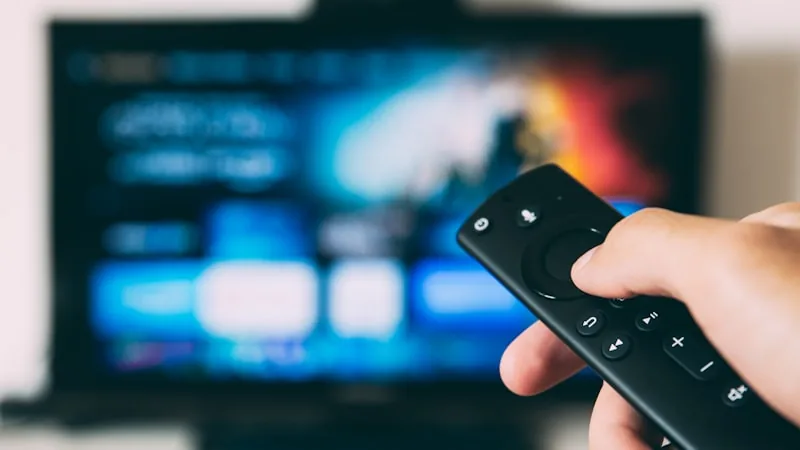
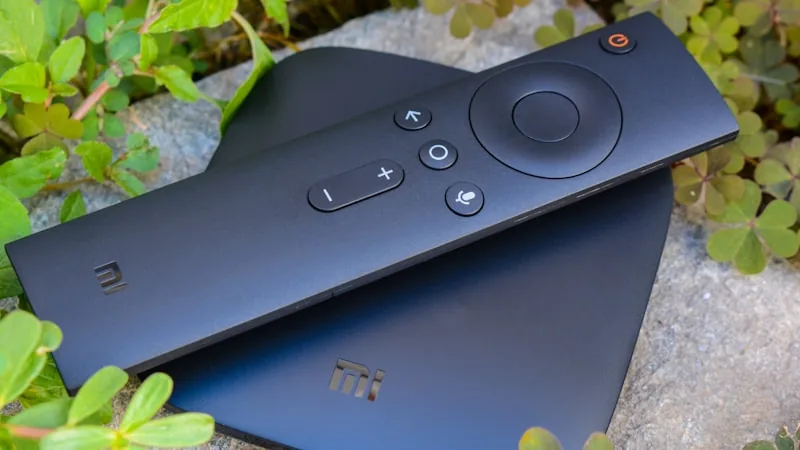
Older or budget TVs sometimes lack a usable app store entirely. The simple fix is a cheap streaming stick or Android box plugged into any spare HDMI port, effectively turning any TV into one that can run IPTV. See our Firestick setup guide for the exact steps.
Loading the Programme Guide
Once the player app is installed and logged in, give it a moment to pull in the electronic programme guide. Most apps do this automatically, presenting a familiar grid of channels and schedules, which on a large screen becomes one of the more convenient ways to browse.
Keeping the Connection Stable
Smart TVs often sit further from the router than other devices, which can weaken Wi-Fi exactly where it matters most. If 4K channels are buffering, check the signal strength in your TV's network settings, and use a wired connection where the TV has a built-in ethernet port.
Not sure where to start with your exact TV model? Message support with the brand and model number and they'll send precise steps. See our subscription plans or the FAQ for more.