Setting Up IPTV on an Amazon Firestick, Step by Step
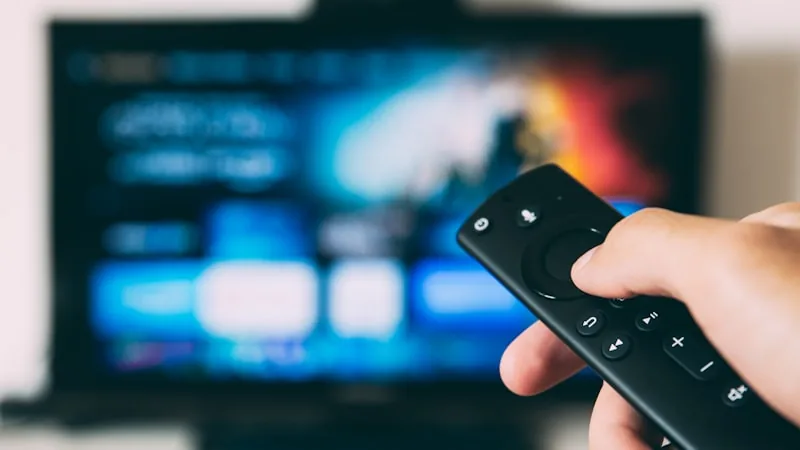
The Firestick remains one of the easiest ways to get IPTV onto a television, mainly because it's cheap, plugs into any HDMI port, and only takes a few minutes to configure properly.
Before You Begin
Have three things ready: a Firestick connected to Wi-Fi and updated, your TVSphere login details (issued after subscribing or starting a free trial), and the name of the player app currently recommended for your device, which the support team will confirm over WhatsApp since the best option can shift over time.
Step 1 – Allow Installs From Outside the Appstore
Player apps aren't distributed through Amazon's own store, so head to Settings → My Fire TV → Developer Options and switch on Apps from Unknown Sources. This is a routine, one-time setting used by countless legitimate apps, not something specific to IPTV.
Step 2 – Grab a Downloader App
Search the Amazon Appstore for "Downloader" and install it. It's free, and it lets you pull the player app in directly from a link rather than needing it listed in the store.
Step 3 – Install the Player
Open Downloader, paste in the link provided by support, and let it fetch the file. Once it's done, tap Install, then Open. Grant the storage permission it asks for the first time, this lets the app cache channel data for smoother playback.
Step 4 – Log In
Enter the username and password (or the personal playlist link, depending on the app) you were sent. The full channel list and on-demand library should populate within a few seconds.
Step 5 – Set Favourites and Load the Guide
Star the channels you watch most so they're quick to find, and open the onscreen guide to browse what's currently airing. A minute spent here now saves a lot of scrolling later.
If Something Doesn't Load Right Away
Close and reopen the app first, that alone resolves most first-run hiccups. If buffering continues, check your Firestick's Wi-Fi signal strength, its antenna is small, so distance from the router matters more than with larger devices.
Not set up yet? See our plans, or check the FAQ for more device questions.